Workholding: The Hidden Driver of Machining Cost
Buyers obsess over features, but what eats the clock is holding the part still while you cut it. How setups, floppy parts and fixtures drive the price, plus design moves that make a part cheap to hold.

Buyers obsess over the features on a part — the pockets, the holes, the threads. But ask any machinist what actually eats the clock and they'll tell you: it's not cutting the feature, it's holding the part still while you cut it. Workholding is the quiet line item that decides whether your part is cheap or painful, and it almost never shows up on a drawing.
Here's how holding a part drives cost, and a few design moves that make your parts cheaper without changing what they do.
Every flip is a new setup — and a new bill
A part you can machine from one side, in one clamping, is the cheap dream. The moment a feature on the back forces the operator to flip the part and re-clamp it, you've added a second setup: new program, new fixturing, a new zero, and another round of proving out. Two setups isn't 2× the work, but it's a real step up — and it introduces a tolerance stack between the two sides that you now have to control.
This is why the number of setups matters more than buyers expect. If you can keep critical features on one or two faces, you save real money. We get into more of these levers in how to reduce CNC machining cost.
Floppy parts fight back
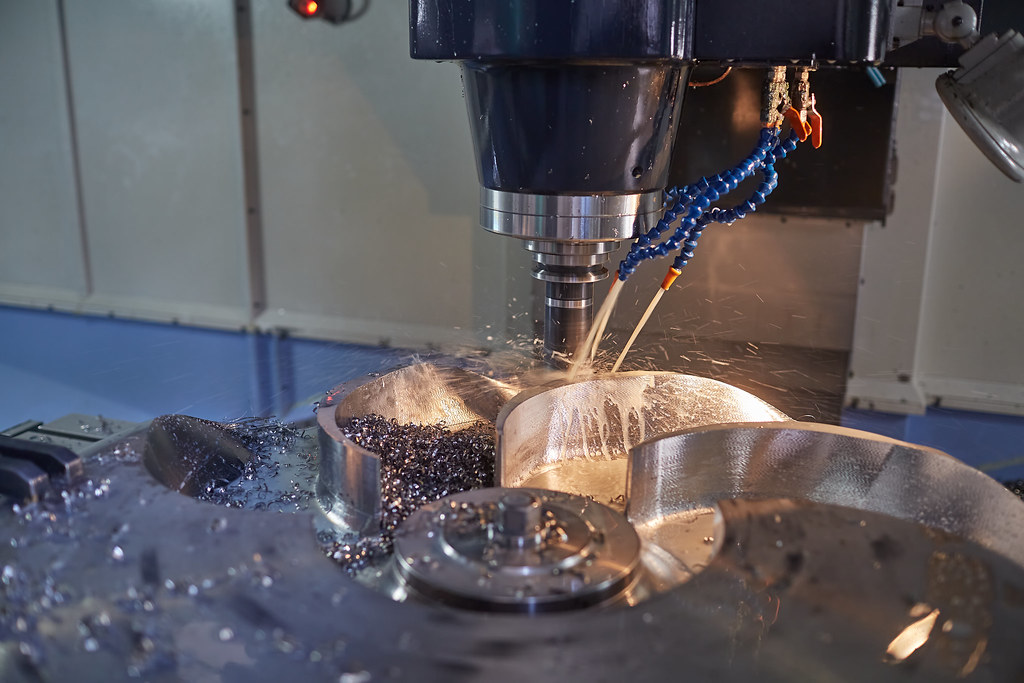
Thin walls, tall ribs, long slender shafts — anything that flexes under cutting force is expensive to hold. The part vibrates (chatter), deflects away from the tool, or distorts when you clamp it. The shop's answer is lighter cuts, more passes, custom supports, sometimes a dedicated fixture poured just for your part. All of that is time.
If a wall can be a little thicker, or a feature can carry a small support boss that's removed later, you make the part far easier to hold. A part designed to be rigid in the vise is a part that's cheap to make.
Where the workholding money actually goes
| Situation | What the shop does | Cost effect |
|---|---|---|
| Prismatic block, features on 1–2 faces | Standard vise | Cheapest |
| Features on 5 faces | Multiple setups or 5-axis | More setups or pricier machine time |
| Thin / flexible part | Soft jaws cut to shape, light cuts | Extra prep + slower run |
| Odd / organic shape | Custom fixture or sacrificial tabs | One-time fixture cost |
| Tiny / many parts | Fixture plate holding a batch | Upfront, but cheap per part at volume |
The 5-axis myth
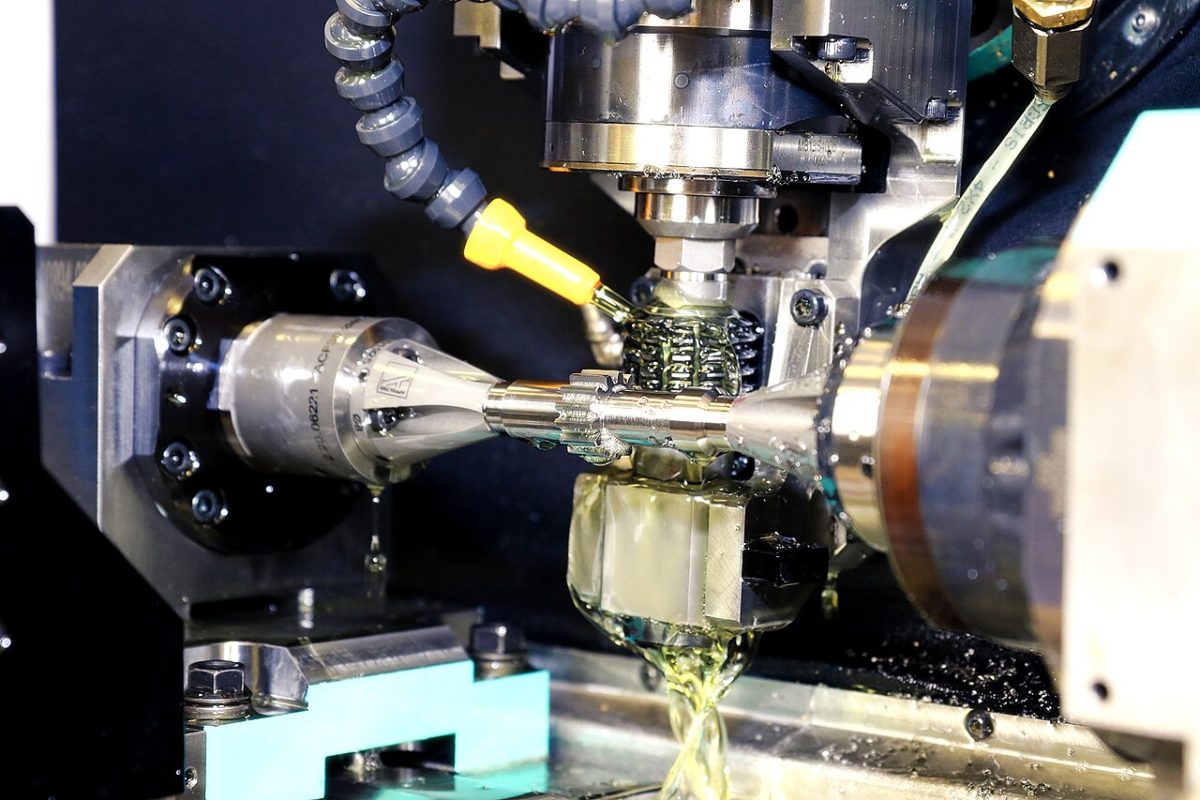
People assume 5-axis is always the premium, slow option. Often it's the opposite: a part that would need four separate 3-axis setups can sometimes be done in one 5-axis setup — fewer re-clampings, better accuracy between faces, less labor. It's not magic and it's not free, but “more axes” doesn't automatically mean “more money.” See where it pays off in our 5-axis machining guide.
Design moves that make a part easy to hold
- Keep features on as few faces as possible. Group critical features so the part runs in one or two setups. This is the single biggest lever.
- Leave a clamping surface. A flat, parallel area for the vise (or a feature you can grip) saves the shop from inventing a fixture. If the whole part is curvy, expect a fixture charge.
- Don't go thinner than you need. Thin walls and tall thin ribs flex; a little more material is cheaper to hold than to fight. Our wall thickness guide has workable minimums.
- Allow for sacrificial tabs. For delicate or organic parts, a small tab the shop can grip and then trim is often cheaper than a custom soft-jaw setup.
- Tell the shop which faces matter. If you flag the critical datum face, the machinist can plan the setups to protect it — tied straight into your GD&T datums.
The takeaway
When a quote comes back higher than you expected and the part “looks simple,” the answer is often hiding in the workholding: too many faces, a shape that needs a custom fixture, or a wall too thin to hold steady. None of that is visible in the CAD render — but it's most of the cost. Design the part to sit still in a vise and you've done more for the price than any amount of haggling.
Want to know how your specific part holds up before you commit? Run it through our instant Design Check or send the CAD for a quote — our engineers will flag the setups and workholding driving the price, free, within 24 hours.
Related capabilities
Have a part to make?
Upload your CAD for a detailed quote and free DFM feedback within 24 hours.